English
  简体中文
简体中文 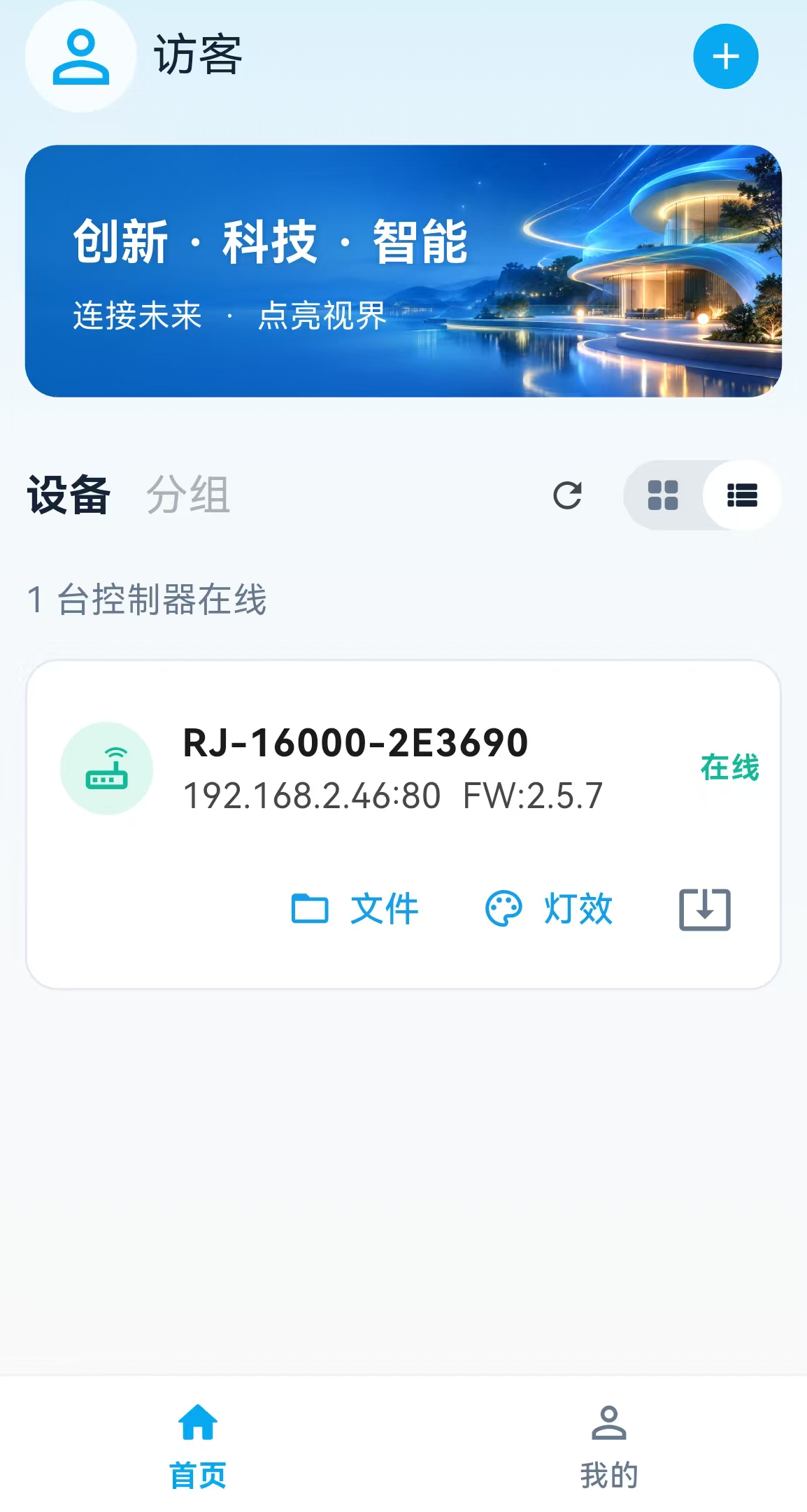
LightMX Privacy Policy
Updated: September 28, 2026
Effective: September 28, 2026
LightMX is provided by Shenzhen Ruijing Sichuang Electronics Co., Ltd. (“we,” “us,” or “our”) for Bluetooth network configuration of compatible lighting controllers, local area network (LAN) device management, lighting effect control, file transfer, and firmware updates. This Privacy Policy explains how information is processed in connection with these functions and how you can manage and delete related information.
1. Scope
This Privacy Policy applies to the LightMX application. When you separately access other websites or use services provided by your operating system or app store, the information processing activities of those service providers are governed by their own privacy policies.
The current version supports use without an account. Online account login, registration, and password recovery services have not yet been enabled, and you are not required to provide your name, mobile phone number, or email address to use local control functions. Information entered on account-related pages is not submitted to an account server. Before account or cloud services are introduced in the future, we will update the relevant disclosures and fulfill applicable notice and consent requirements in accordance with law.
2. Information We Process and How We Use It
2.1 Bluetooth Devices and Network Configuration Information
To discover and connect to a controller selected by you, the App processes nearby Bluetooth device names, device identifiers, available services, and connection status on your mobile device. This information is used to identify devices, establish connections, and display connection results. It is not used to infer or track your movements.
To allow a controller to join the Wi-Fi network you specify, the App sends the Wi-Fi network name (SSID) and password you enter to the controller via Bluetooth. We do not upload these network credentials to our firmware download website or to a remote account server.
The “Remember Wi-Fi” option on the network configuration page is enabled by default in the current version. When enabled, the Wi-Fi network name is stored locally on your mobile device, while the password is stored using the secure storage provided by the operating system for convenient future configuration. You can disable this option or tap “Clear Saved Information” to delete the saved network name and password. Disabling this function does not prevent you from manually entering the information to configure a device.
Please make sure that the selected device belongs to you or that you are authorized to use it. Whether the network configuration connection is encrypted depends on the protocol actually used. If the interface indicates that the connection is not encrypted, only send Wi-Fi information in a trusted environment.
2.2 LAN Device Information and Control Commands
To discover, display, and control devices on the same LAN, the App processes information returned by controllers, including device name, device identifier, model, IP address, port, MAC address, firmware version, and operating status. The actual fields depend on what each device supports.
Commands relating to device discovery, power on/off, brightness, playback, file management, and similar functions are exchanged directly between your mobile device and the controller over the LAN. The current version does not upload LAN device lists, control commands, or lighting effect playback content to a remote account or cloud management server.
2.3 Files and Lighting Effect Content
When you actively select a file, generate a lighting effect, or initiate an upload, the App reads the selected file or generated content and processes information such as file name, path, size, and integrity verification data for preview, transfer, and playback purposes. The App does not automatically scan and upload all files stored on your mobile device for this function.
Files you upload are stored on the controller you select and on its SD/TF storage card. The App may retain generated files or temporary cache files on your mobile device. This does not change ownership of your original files and does not mean that the files have been uploaded to our Internet servers.
2.4 Local Settings
The App stores settings such as grid or list display mode, controller model selection, and other necessary usage preferences on your mobile device in order to restore your interface preferences. These settings are not used for advertising profiles or cross-app tracking.
2.5 Firmware Checks and Downloads
When checking for or downloading firmware, the App accesses our firmware services, such as www.szrjsc.com, as well as download addresses specified in the firmware manifest. To respond to requests, network services receive necessary technical information such as IP address, request path, and request time. Servers may also record access or security logs.
This information is used only to provide firmware content, maintain the service, troubleshoot issues, and protect service security. Firmware check and download requests do not include your Wi-Fi password or lighting effect files.
2.6 Customer Support
If you voluntarily contact us by email or other means, we will process the contact information, issue description, screenshots, logs, or other materials you choose to provide for the purpose of responding to you and resolving the issue. Please do not include Wi-Fi passwords or unrelated personal information in your support materials.
3. System Permissions
-
Bluetooth or Nearby Devices permission: Used to scan for and connect to controllers and to perform Bluetooth network configuration. If permission is denied, related Bluetooth functions will not be available.
-
Local Network permission (iOS): Used for LAN device discovery, control, real-time playback, and file transfer. If permission is denied, related LAN functions may not work.
-
Location permission or system location setting (some Android systems): Some systems associate Bluetooth scanning with location permission or the system location setting. The App requests this permission only as needed for Bluetooth scanning compatibility and does not use it to read GPS coordinates or track your movements.
-
File access: Files are accessed through the system file picker only when you actively select them. This does not give the App unrestricted access to all files on your device.
You can manage or revoke permissions in your mobile device’s system settings. Revoking a permission does not affect processing completed before the revocation, but functions that depend on that permission may no longer work.
4. Sharing, Disclosure, and Third-Party Components
We do not sell your personal information or use it for cross-app advertising tracking. The current version does not integrate third-party advertising or behavioral analytics services.
When you actively send network configuration information, files, or commands to a controller, this is done to perform the device operation you requested. Software components used by the App for Bluetooth, networking, file selection, local storage, and similar functions are used to provide these features and do not, merely by being used, cause your network configuration password or lighting effect content to be provided to advertising platforms.
If disclosure of information is required by law, or if future features require personal information to be provided to other service providers, we will fulfill our obligations under applicable laws and, where required, clearly inform you of the recipient, scope of information, purpose, and method of processing, and obtain any necessary consent.
5. Retention and Deletion
Usage settings stored on your mobile device are retained for as long as necessary to provide the relevant functions. You can clear them through available App settings or system application data management functions. Generated files and temporary cache files can be cleared by you or by the operating system.
Saved Wi-Fi credentials can be deleted on the network configuration page by disabling “Remember Wi-Fi” or tapping “Clear Saved Information.” On some systems, information stored in secure storage may not be automatically deleted when the App is uninstalled. We recommend using the above clearing function before uninstalling the App.
Uninstalling the App or clearing mobile device data does not automatically delete files stored on the controller’s storage card and does not automatically clear Wi-Fi configuration already saved on the controller. Please delete or reset such information through the device file management function, device settings, or the method specified in the device documentation.
Customer support materials actually retained by us, as well as website operation or security logs that may exist, are retained only for the shortest period necessary to achieve the relevant purpose. Retention periods depend on issue-resolution needs, service security requirements, and applicable legal obligations. When the information is no longer needed, it will be deleted or anonymized, unless continued retention is required by law.
6. Information Security and Your Rights
We follow the principle of data minimization and use secure storage provided by the operating system to store remembered Wi-Fi passwords. The security of Bluetooth and LAN communications also depends on the controller protocol and the network environment, and such connections are not necessarily end-to-end encrypted. Please operate devices only on trusted networks and avoid directly exposing controller management interfaces to the public Internet.
You can manage system permissions, clear locally stored information, and delete files from controllers. For personal information that we actually hold, you may contact us using the details provided in this Privacy Policy to request access, copies, correction, deletion, restriction of processing, or withdrawal of consent in accordance with applicable law. Where legally applicable, you may also request data portability.
To protect information security, we may request verification information reasonably necessary for the relevant request and will handle your request in accordance with applicable law. For information stored only on your mobile device or controller that we cannot access remotely, we will explain the management methods available to you. The current version does not provide online accounts, so online account deletion is not applicable.
If an information security incident occurs that is legally required to be notified, we will take measures and provide notifications in accordance with applicable law.
7. Minors and Updates to This Policy
LightMX is not directed at children under the age of 14. Minors should use the device and App under the guidance of a parent or legal guardian. If we discover that we have processed a child’s personal information without appropriate parental or guardian consent, we will take deletion or other necessary measures in accordance with law.
We may update this Privacy Policy due to changes in functionality or legal requirements and will indicate the updated date on this page. If there are material changes to the purposes, methods, or scope of information processing, we will provide appropriate notice and, where required by law, obtain your consent again.
8. Contact Us
Operator: Shenzhen Ruijing Sichuang Electronics Co., Ltd.
Email:
Official Website: https://www.szrjsc.com
If you have any questions about this Privacy Policy, our information processing practices, or your personal information rights, please contact us at the email address above and include “LightMX Privacy” in the subject line.